Build & Render Tool
Interactive CLI for rendering Dilder FreeCAD models into publication-quality PNGs. Supports 19 render presets, 4 resolutions, custom component combos, and frame-by-frame assembly animations.
Usage
The tool walks through 4 interactive screens:
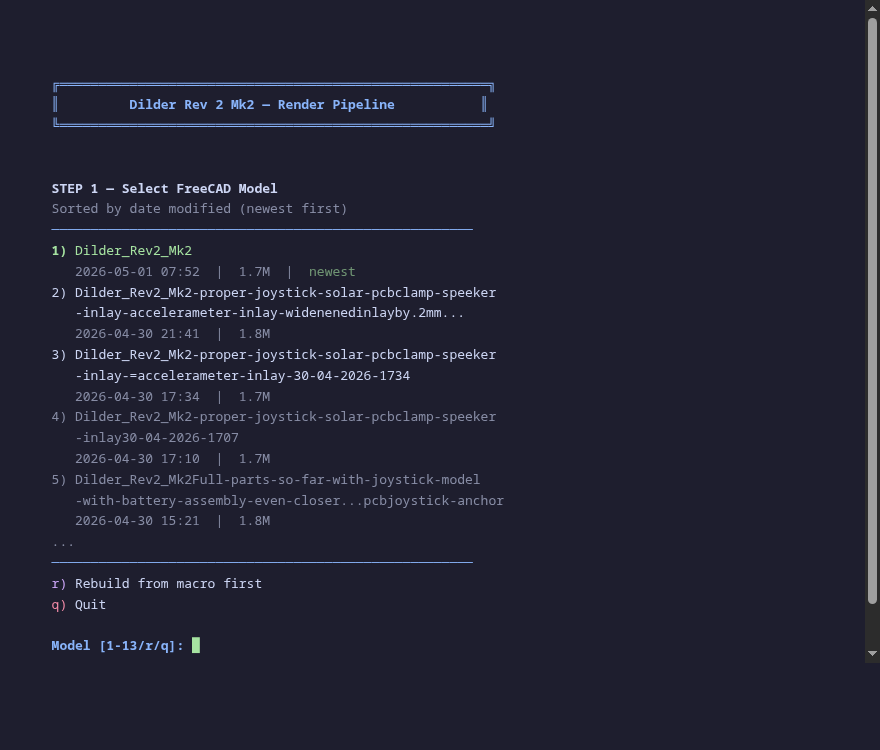
Screen 1 — Model Picker
All .FCStd files sorted by date modified (newest first), with file sizes.
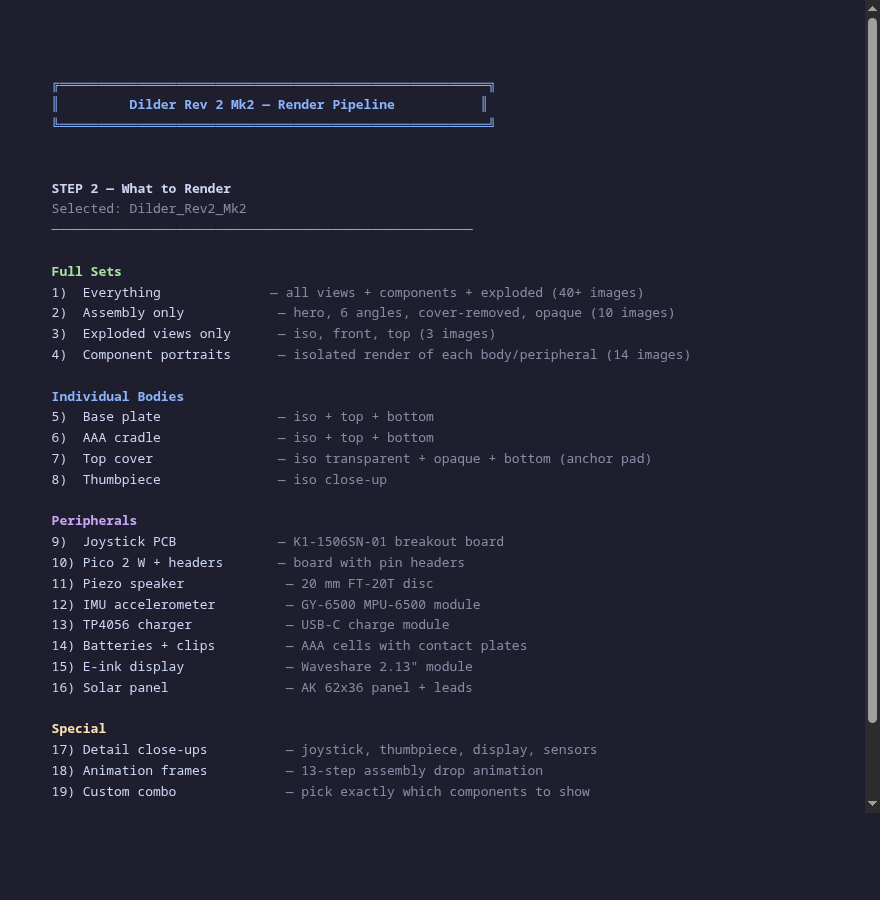
Screen 2 — Render Set
19 options organized into full sets, individual bodies, peripherals, and special modes.
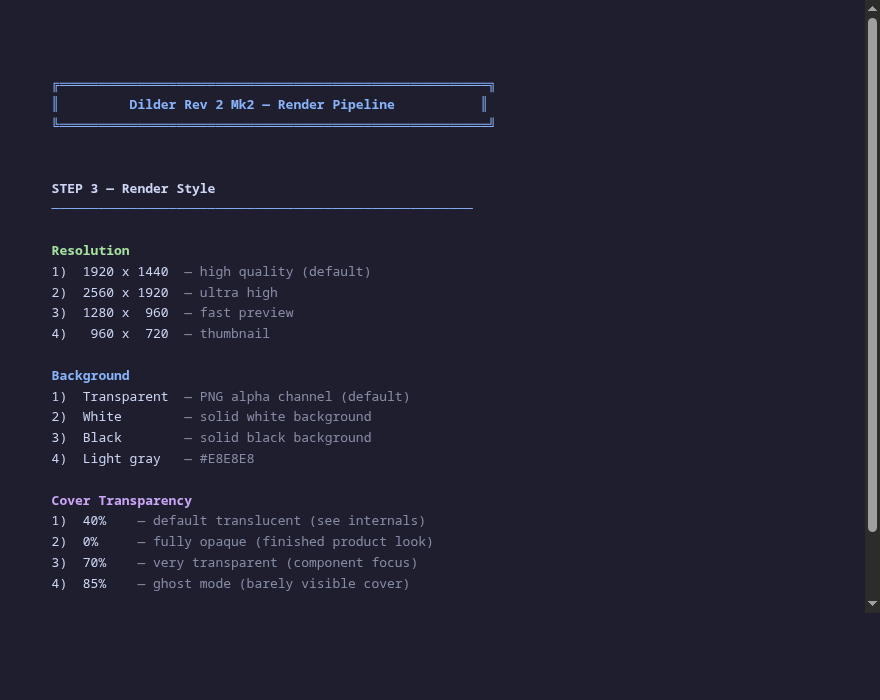
Screen 3 — Render Style
Resolution, background, and cover transparency.
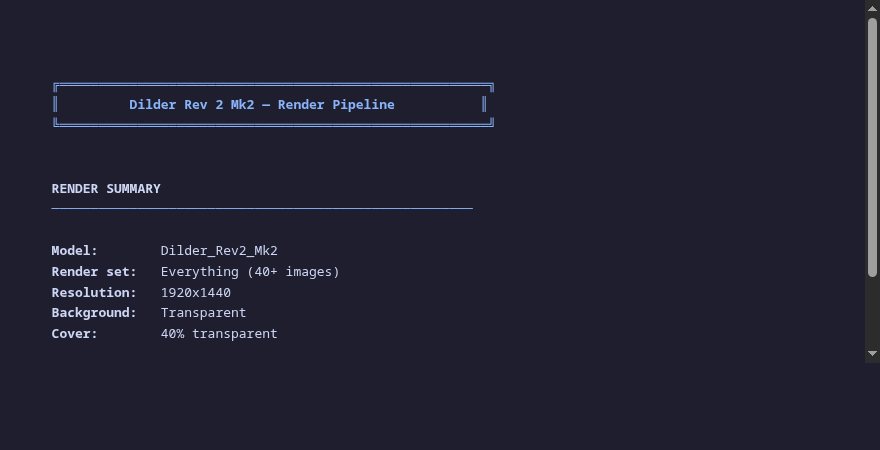
Screen 4 — Confirmation
Review all selections before rendering.
After confirmation, FreeCAD GUI opens, renders all views, and copies PNGs to the website assets directory.
Render Sets
Full Sets
| # | Set | Output |
|---|---|---|
| 1 | Everything | 40+ images: all angles, components, exploded, opaque |
| 2 | Assembly only | 10 images: hero, 6 orthographic, angled, cover-removed |
| 3 | Exploded views | 3 images: iso, front, top |
| 4 | Component portraits | 14 images: isolated render of every body and peripheral |
Individual Bodies
| # | Body | Views |
|---|---|---|
| 5 | Base plate | iso, top, bottom, front, sensors overlay |
| 6 | AAA cradle | iso, top, bottom, front |
| 7 | Top cover | transparent iso, opaque iso, bottom (anchor pad), top, front |
| 8 | Thumbpiece | iso close-up |
Peripherals
| # | Component | Description |
|---|---|---|
| 9 | Joystick PCB | K1-1506SN-01 5-way switch breakout |
| 10 | Pico 2 W | Board with procedural 2x20 pin headers |
| 11 | Piezo speaker | 20 mm FT-20T brass + ceramic disc |
| 12 | IMU accelerometer | GY-6500 MPU-6500 module |
| 13 | TP4056 charger | USB-C charge module |
| 14 | Batteries + clips | AAA cells with Swpeet contact plates |
| 15 | E-ink display | Waveshare 2.13" module |
| 16 | Solar panel | AK 62x36 with wire leads |
Special
| # | Mode | Description |
|---|---|---|
| 17 | Detail close-ups | Joystick, thumbpiece, sensor pockets |
| 18 | Animation | 13-step assembly with cosine ease-in-out drop |
| 19 | Custom combo | Pick exactly which components to include |
Style Options
Resolution: 1920x1440 (default) | 2560x1920 | 1280x960 | 960x720
Background: Transparent | White | Black | Light gray
Cover transparency: 40% (default translucent) | 0% (opaque) | 70% | 85% (ghost)
Animation
Option 18 generates numbered PNGs of each component dropping into place. If ffmpeg is installed, a GIF is assembled automatically:
ffmpeg -framerate 12 -i renders/anim/frame-%04d.png \
       -vf "scale=960:720" -loop 0 renders/assembly-animation.gif
Technical Notes
- Requires FreeCAD GUI (not
freecadcmd) —saveImageneeds the live OpenGL viewport - The render script uses
pivy(Coin3D bindings) for custom camera angles - Each screenshot pumps the Qt event loop 5 times with 300ms delays to ensure the viewport finishes drawing before capture
- Visibility toggling only affects top-level objects (Bodies and Part::Features), not internal PartDesign features — toggling those would make parent Bodies render blank